
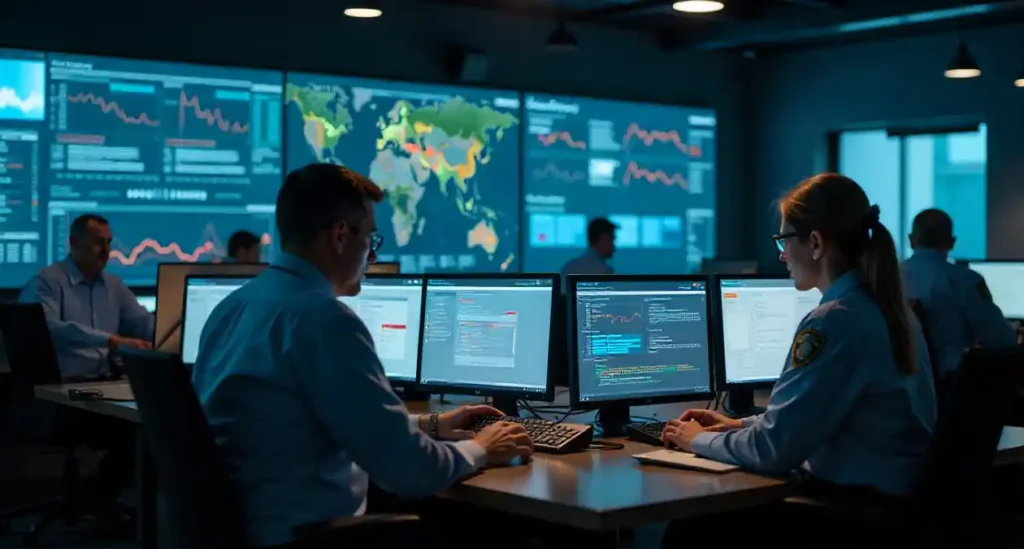
Railway work runs on people. When a driver, guard, or technician can’t make a shift, the whole timetable can wobble. ns crewcall is a crew notification and rostering system built to keep services running smoothly by telling the right people about the right shift at the right time and getting a fast answer.
What is ns crewcall? An easy explanation
ns crewcall is essentially a system that matches available crew with duty requirements and contacts them automatically. Think of it as a smart callboard that automates what used to be phone trees, paper rosters, and frantic last-minute phone calls.
Core purpose
Its purpose is simple: minimize delays and confusion by quickly filling crew vacancies, confirming who will work, and keeping a clear record of assignments.
Who uses it
Operators, dispatchers, crew planners, and frontline employees use crewcall. Larger networks may integrate it with payroll, train control, and absence management systems.
Key features of a crewcall system
While implementations vary, most modern crewcall systems share a set of key features.
Automated scheduling and rostering
The system can propose or enforce rosters based on rules — qualifications, rest periods, availability, and seniority. It helps planners avoid illegal or unsafe assignments.
Real-time notifications (calls, texts, app)
Crewcall reaches employees through multiple channels: automated voice calls, SMS, email, or a dedicated mobile app. This redundancy helps ensure a message gets through even when someone is on the move.
Exception handling and replacements
When someone declines or is unavailable, crewcall can escalate the vacancy to the next available person (based on priority rules), or it can alert a dispatcher to step in.
Logging and audit trails
Every message, answer, and roster change is logged. That creates a clear audit trail for payroll, disputes, and safety investigations.
How ns crewcall typically works — step by step
Here’s a plain-language walkthrough of what happens when a shift needs filling.
Roster creation
Planners create rosters ahead of time. The system validates them against rules — rest periods, required certifications, and availability. If an unexpected absence appears, crewcall triggers.
Dispatch and notification
The system selects eligible crew for the open duty and sends notifications in the prearranged order — often via app push > SMS > call. Notifications include shift time, location, start point, pay code, and any special instructions.
Acceptance, decline, and confirmation
A crew member responds by accepting or declining. If accepted, the system confirms assignment and updates the roster and payroll. If declined, it tries the next eligible person or signals a dispatcher.
On-duty tracking and handover
When the crew member checks in (via app or onboard system), crewcall logs actual start time and flags late starts, no-shows, or early finishes. Handover notes can be attached for the next crew.
What railway employees should know
If you work on the railway and use ns crewcall, a few small habits go a long way.
Keep contact and availability updated
Make sure the phone number, email, and app settings are current. If you change devices, sign in again.
Respond fast — why it helps you
Fast responses land you preferred shifts or overtime. Slow answers push the system to the next person.
Use the mobile app features
Apps often show upcoming roster history, pay codes, and training records. Use them to check qualifications before accepting.
Common problems and how to fix them
No system is perfect. Here are common headaches and quick fixes.
Missed calls or messages
Check spam filters and app notification permissions. Ensure “do not disturb” modes don’t block the crewcall app. Update your emergency contact details.
Scheduling conflicts
If the system assigns you to overlapping duties, escalate to your planner immediately — automated rules sometimes need manual correction.
Incorrect roster assignments
Mistakes happen. Keep documentation: screenshots, times, and confirmation messages. Use them when reporting to payroll or HR.
Benefits for employees and operations
Crewcall brings clear wins for everyone.
Predictability and fairness
Automated, rule-based assignments reduce subjective favoritism and make opportunities transparent.
Faster replacements, safer service
Quicker fills reduce delays and the pressure on remaining staff. That improves safety and service reliability.
Clear communication and fewer surprises
Crewcall reduces last-minute chaos by pushing notifications in a consistent manner and keeping digital records.
Privacy, data, and rules to watch
A crewcall system holds personal and employment data. Know your rights and what’s stored.
What information is stored
Typically: name, contact details, qualifications, availability, shift acceptance history, and time logs.
Legal and union considerations
Collective agreements often specify rest periods, overtime rules, and how automated rostering can be used. If in doubt, check with union reps or HR.
Real-world examples and use cases
Emergency callouts
If weather or a strike removes multiple crew, crewcall can broadcast emergency callouts to a wide pool, record who’s willing, and prioritize according to rules.
Planned roster swaps
Want to swap a weekend duty? The system can offer the swap to eligible colleagues who meet the criteria, and automatically reassign once someone accepts.
How to get better at using ns crewcall
A few habits make the system work for you, not against you.
Best practices for availability and acceptance
Set availability realistically. If you’re often close to a station, make that known — it increases your chance to accept last-minute offers.
Tips for work-life balance
Use roster previews to plan personal time. Politely decline shifts that break rest rules or abuse your limits; refusal logs help protect your rights.
Conclusion
ns crewcall is a practical, rule-driven crew notification system designed to keep trains running and crews informed. It automates the messy parts of rostering: notifying eligible staff, recording responses, and keeping an audit trail. For employees, the system’s advantages are clearer communication, fairer fills, and faster replacements — but only if contact details are kept current and responses are prompt. Details may differ across regions and operators, so check your local procedures and union agreements.
FAQs
Q1: What if I miss a crewcall notification — will I be penalized?
It depends on operator policy. Generally, systems prefer documented proof: if a notification fails to reach you because of an error, show the planner logs. Repeated unresponsiveness, however, may count against you.
Q2: Can I set preferences for the types of duties I’m offered?
Many systems let you set qualifications and availability preferences. Use the app or contact your crew planner to register any restrictions.
Q3: How quickly should I accept a crewcall?
Respond as fast as possible. Many systems have time-limited offers to ensure quick fills. Quick responses increase your chance for desirable shifts.
Q4: Does crewcall integrate with payroll?
Yes — most modern crewcall solutions feed acceptance and time logs into payroll to automate overtime and penalty calculations, but always check your payslip and report discrepancies.
Q5: Who do I contact about incorrect roster entries?
Start with your local crew planner or roster administrator. Keep screenshots and timestamps to support your case.